Content, Users, and Context of Use
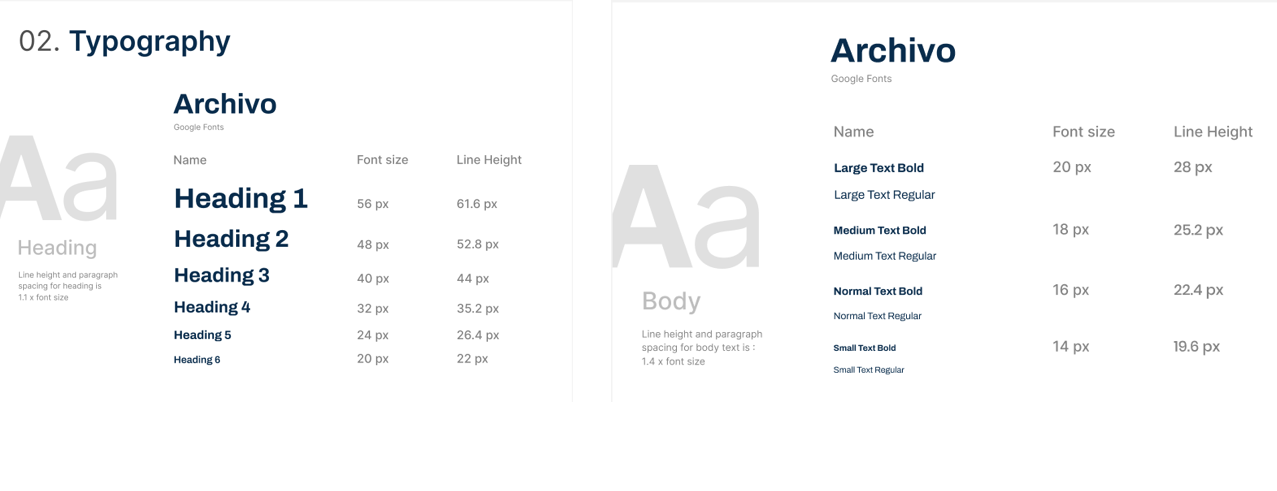
Content: This website features a streamlined tutor search and request system, including key pages like the homepage (with a clear call-to-action), tutor profiles with filtering options, a multi-step request form, and a confirmation page. The content emphasizes ease of use, trust-building elements like testimonials, and a friendly yet professional tone.
Users: It is designed for parents and students seeking private tutors. The site caters to users who need quick access to qualified tutors for specific subjects and education levels. Parents want reliability and transparency, while students need engaging, level-appropriate tutors; it is all addressed through intuitive design and clear tutor information.
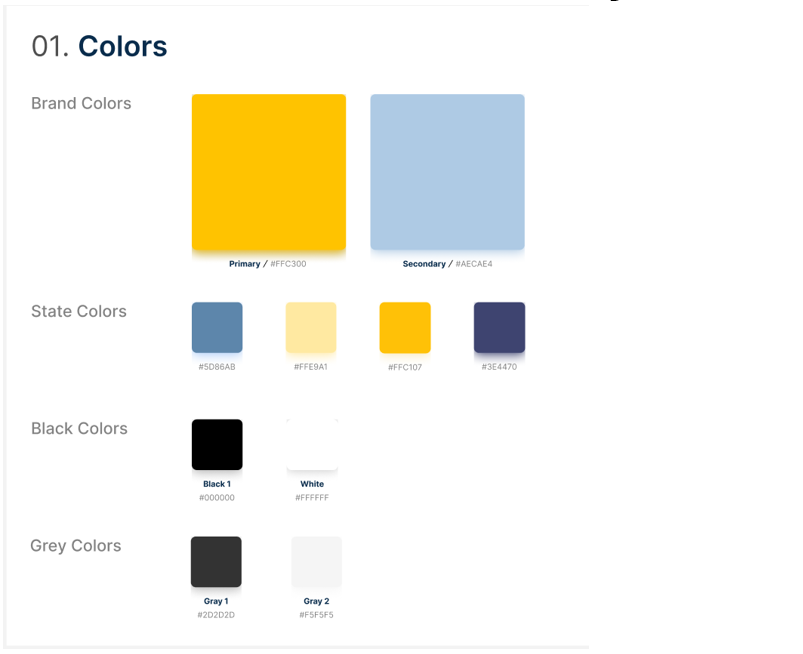
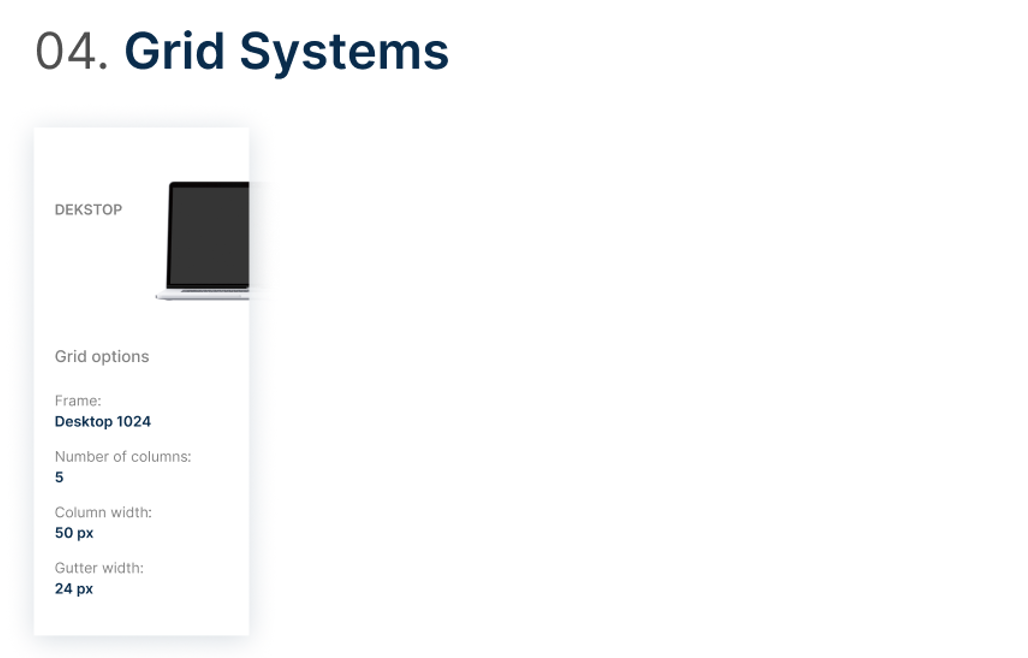
Context of Use: The design is optimized for both desktop and mobile access, and the site supports busy users who need to search, submit requests, and track progress on the go. The user journey is simplified into three steps: discover, select, and submit, ensuring a seamless experience from homepage to confirmation. The bright and uplifting visuals reinforce the brand’s "joyful" identity while maintaining functionality.
Justification of Design Choices
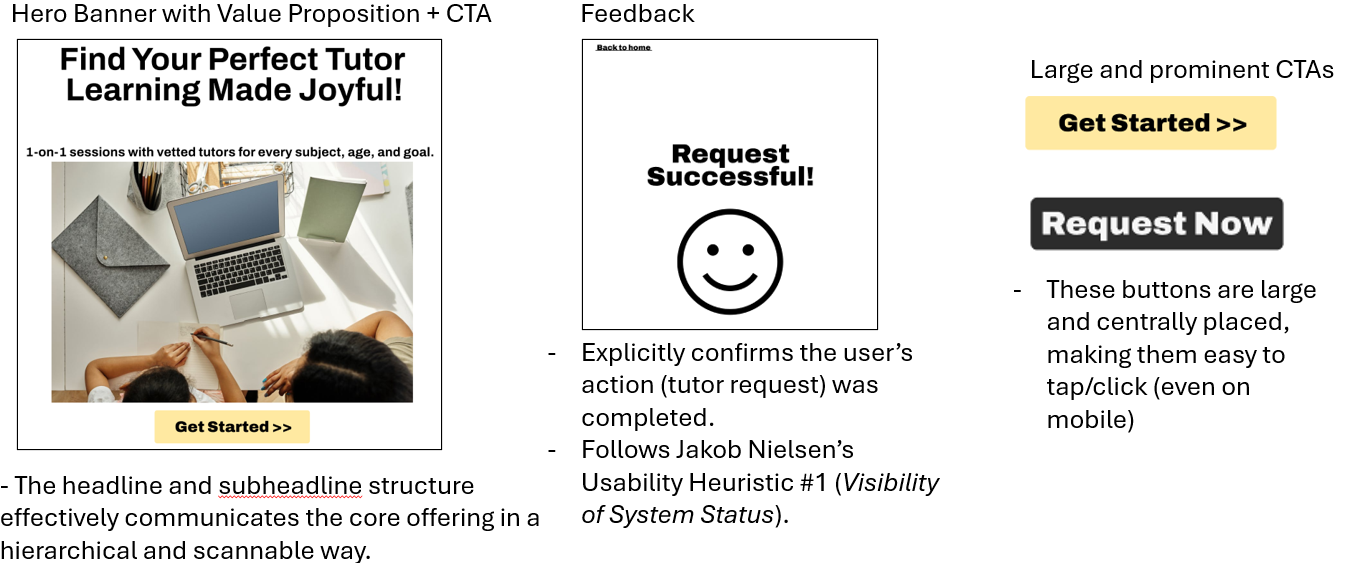
Homepage: The homepage features a bold hero section ("Learning Made Joyful!") to immediately convey the brand's value, while the prominent "Get Started" call-to-action minimizes friction for users who are beginning their search. The testimonials section helps build trust with users and parents.
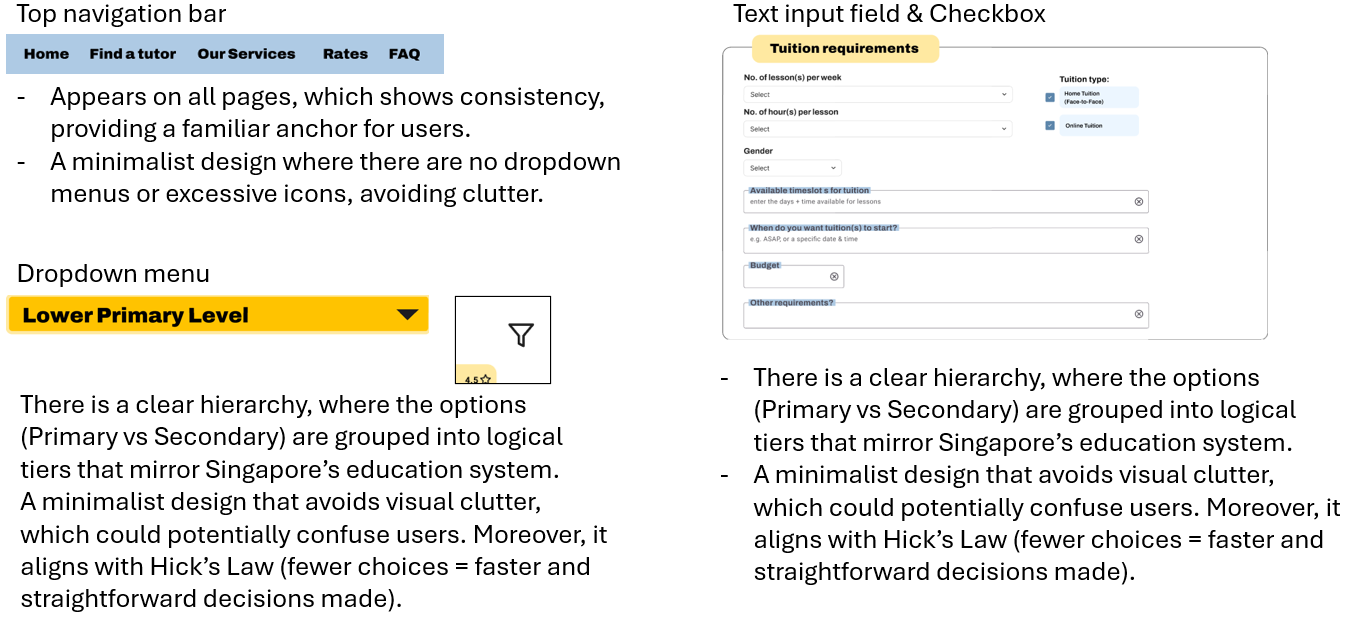
Category Page: The tiered education level selector (Primary/Secondary) mirrors Singapore's academic system, enabling quick self-identification. A minimalist layout helps to avoid overwhelming users, and the "Choose Your Tutor" call-to-action maintains momentum in the selection process.
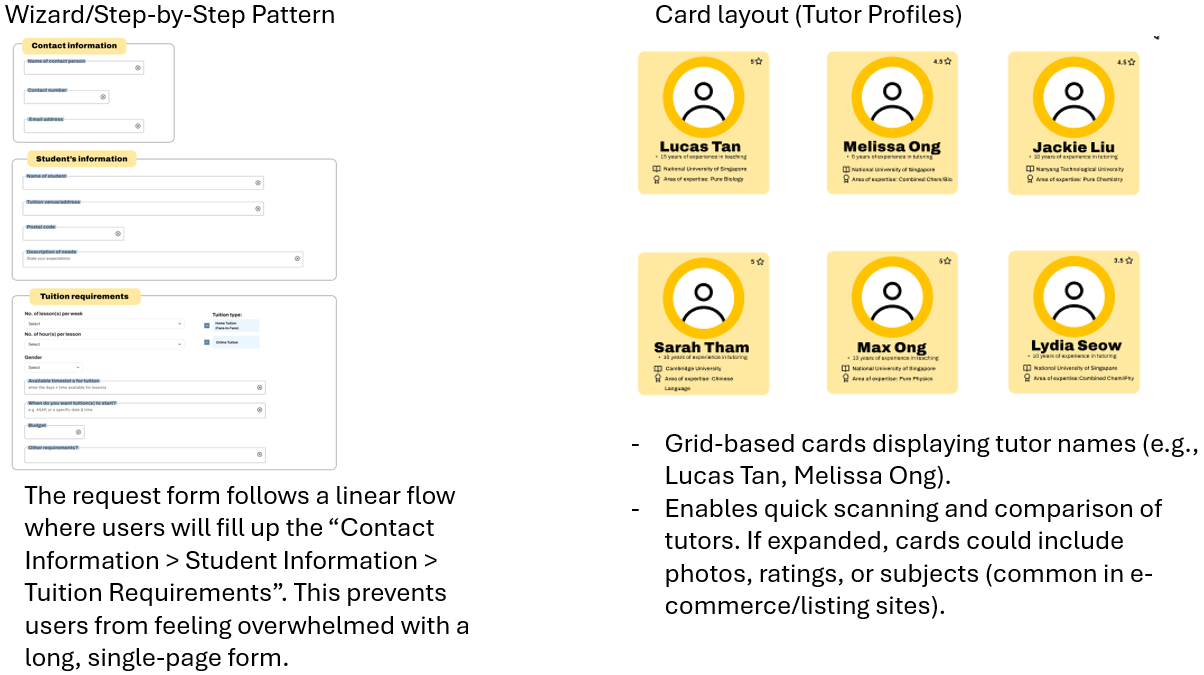
Products Page: Tutor profiles are displayed in a scrollable grid for easy comparison, with a search bar to filter by subject. The repetitive listing suggests more tutors are available, ensuring users don't feel limited in options.
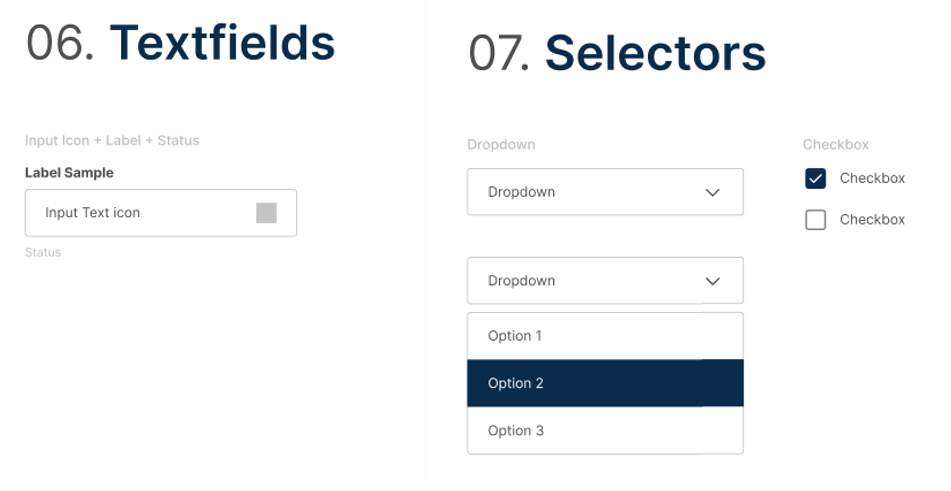
Request Form Page: The multi-step form breaks down information (Contact, Student, and Requirements) to reduce overwhelming users, while the "Back" button allows for easy corrections. The bold "Request Now" call-to-action drives conversions.